 Hue Plan 휴플랜
Plan your day in color
Design your day by painting time into blocks. Long-press and drag to create, move and resize, then glance at this week's timetable from your Home Screen, Lock Screen or Apple Watch. No login, no tracking, no subscription.
 Free to start · Premium $2.99 one-time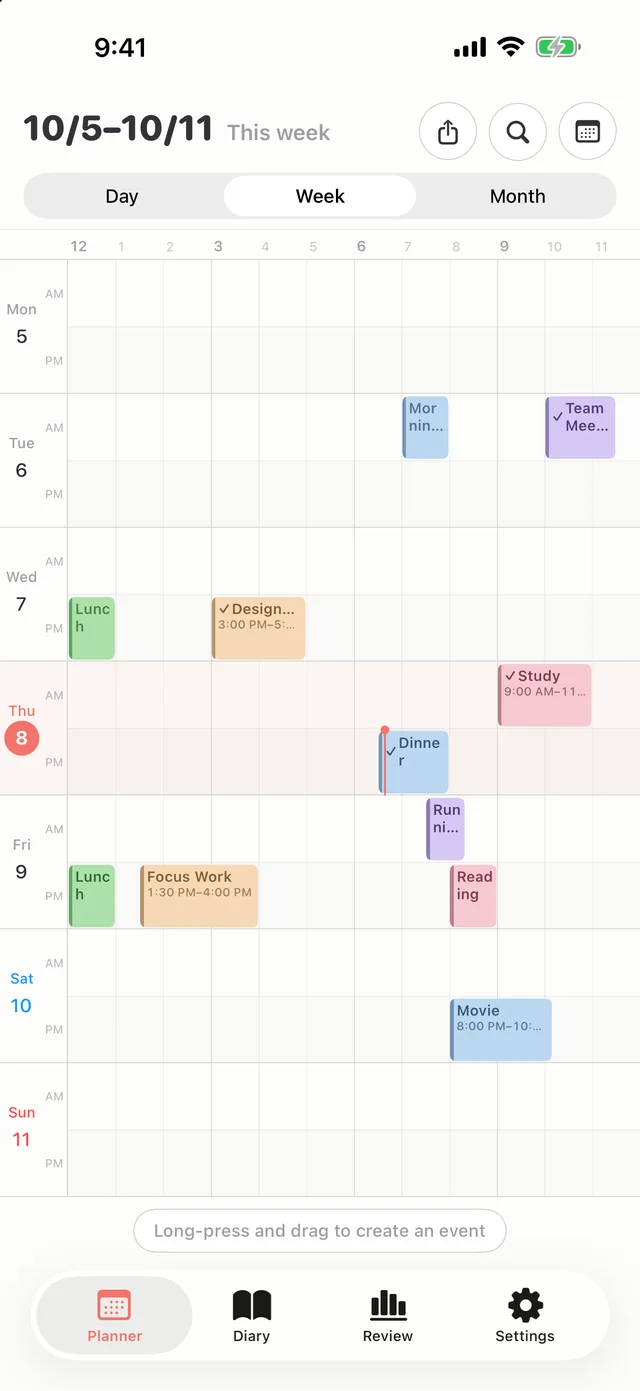
Simple, yet complete
Thoughtfully tuned for everyday use. Less clutter, better flow.
Paint your time
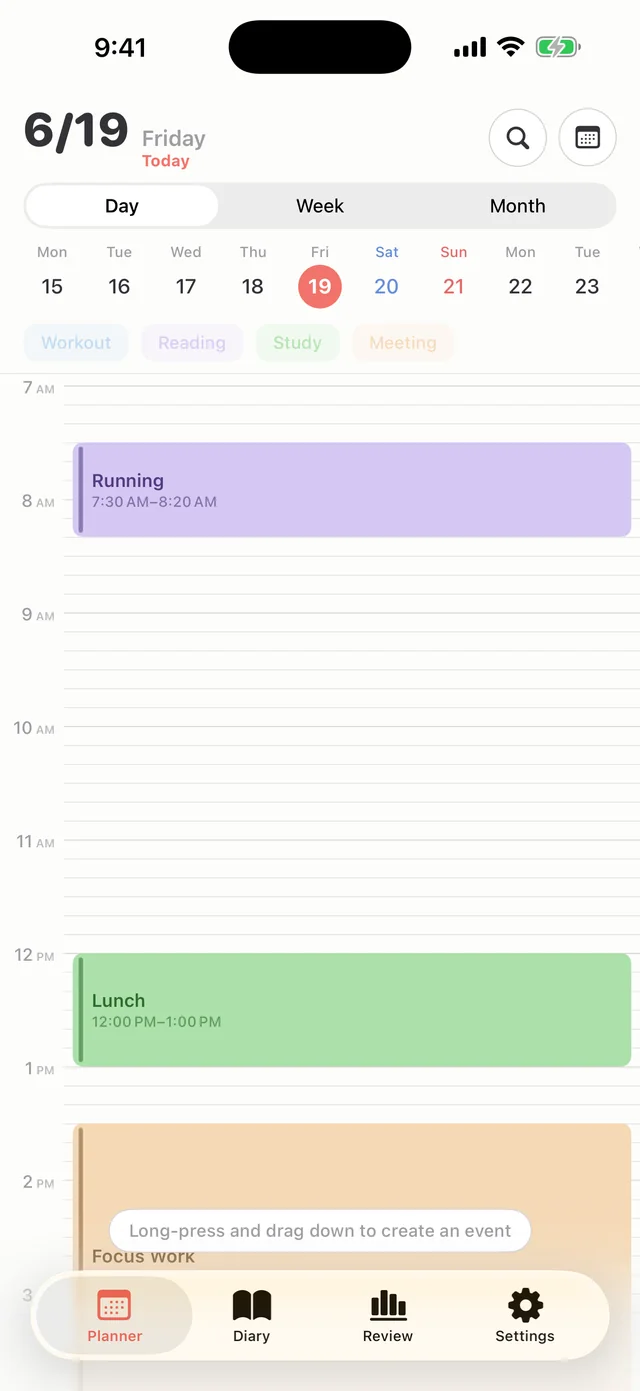
Long-press and drag to create, move and resize events. Fill any slot with a favorite-event chip in one tap.
Day · Week · Month
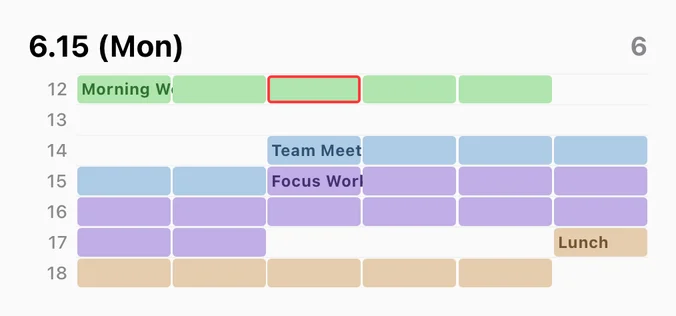
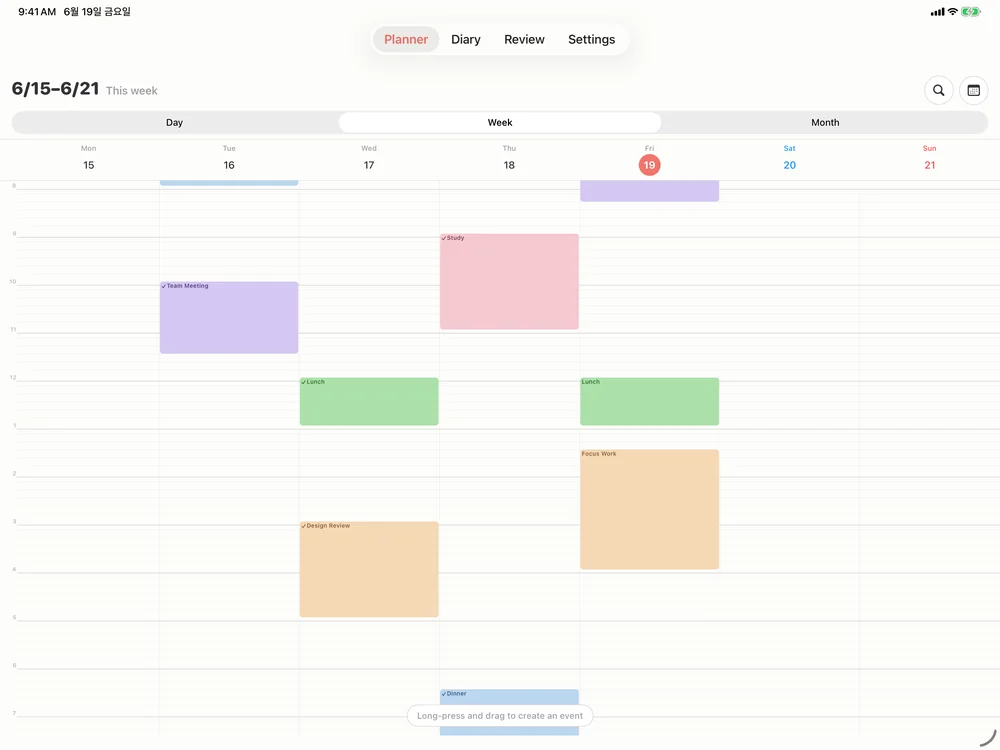
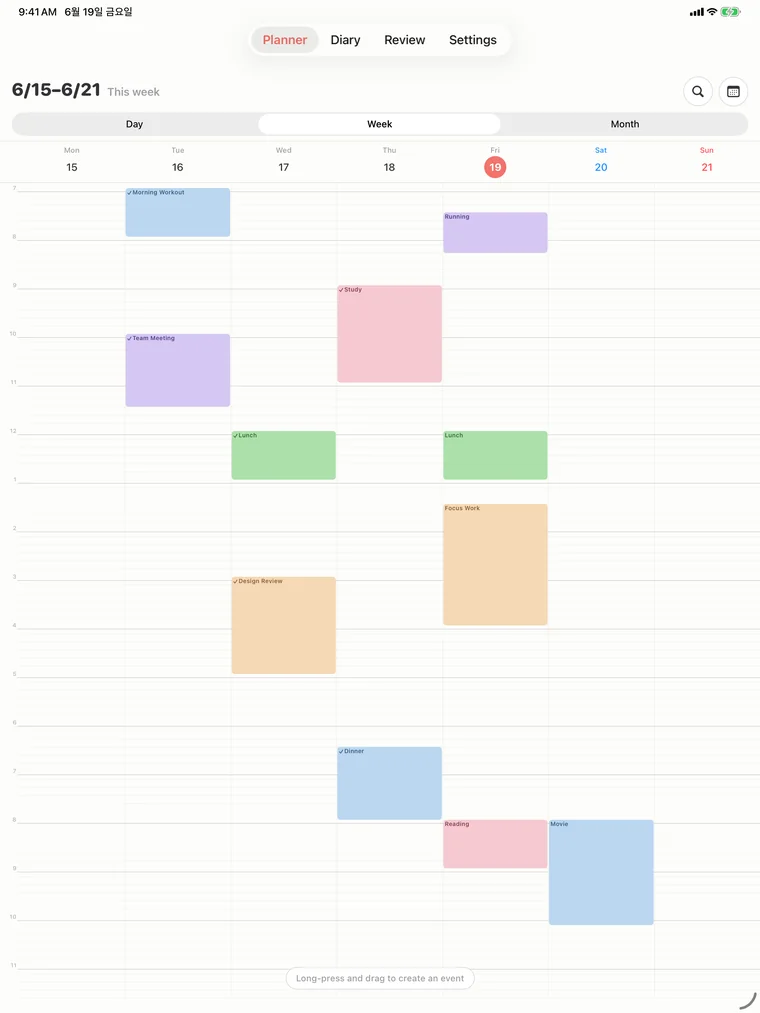
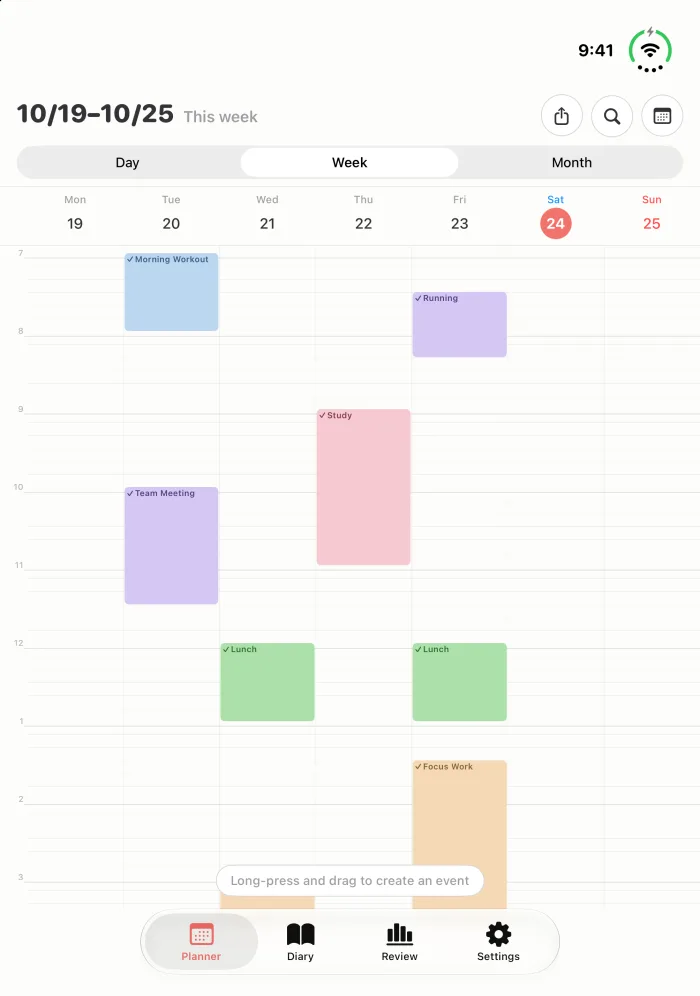
Timeline or compact grid. The week view fits on one screen too, with an AM and a PM row per day.
9 widgets
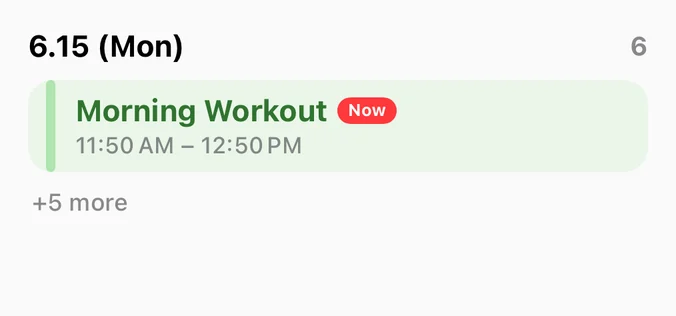
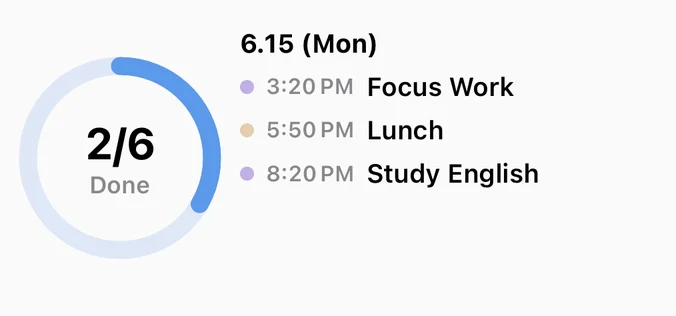
This week's timetable, today's progress and what's next on your Home and Lock Screen. Tap the circle on a Today widget to mark it done.
Apple Watch · Siri
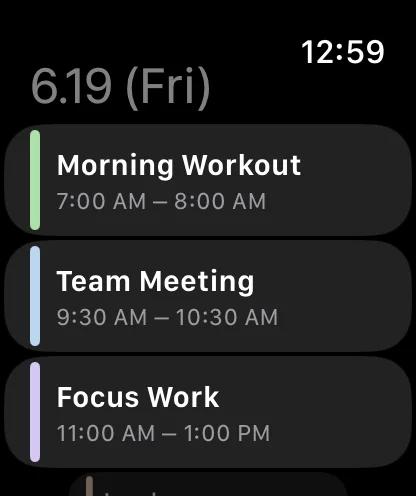
Check your next block from your wrist, or ask "Next event in Hue Plan". Complete and add events by voice too.
Plan vs. actual
Log the time you actually spent when you finish, and compare it with the plan in Review.
Focus mode
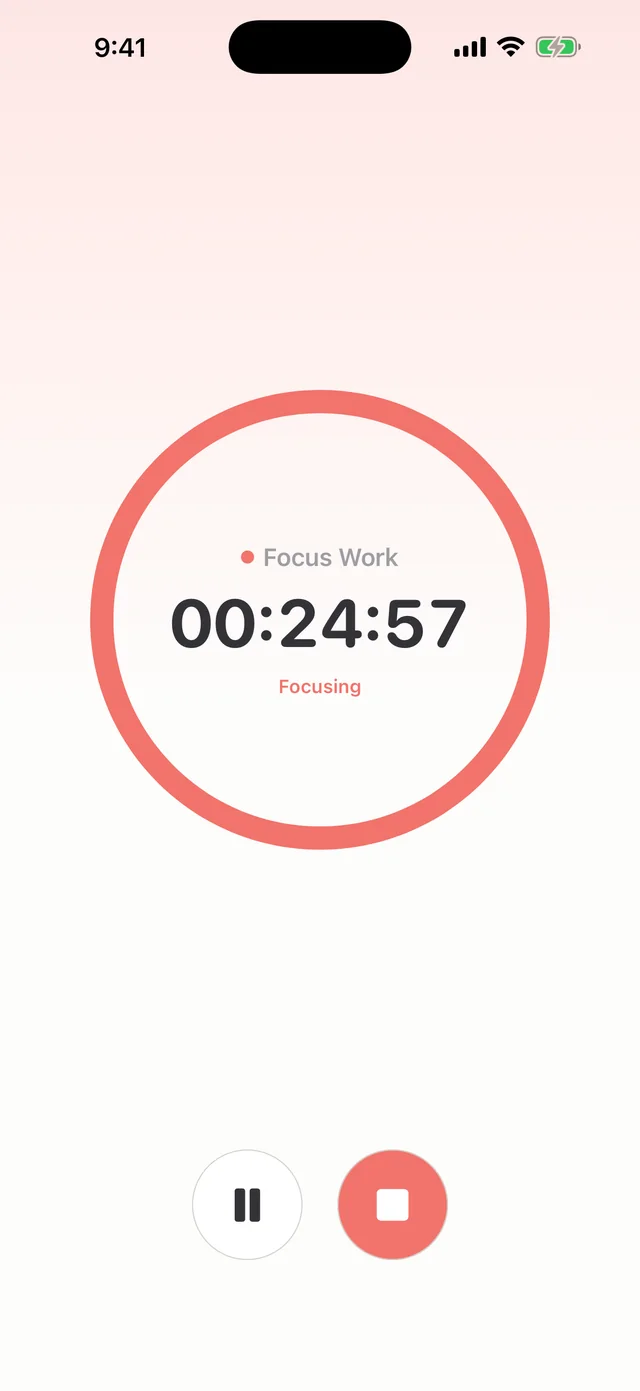
Pick an event and start a timer. Time left shows in the Dynamic Island and on the Lock Screen.
Diary + photos
A note and up to three photos for the day, right beside your plan.
Review
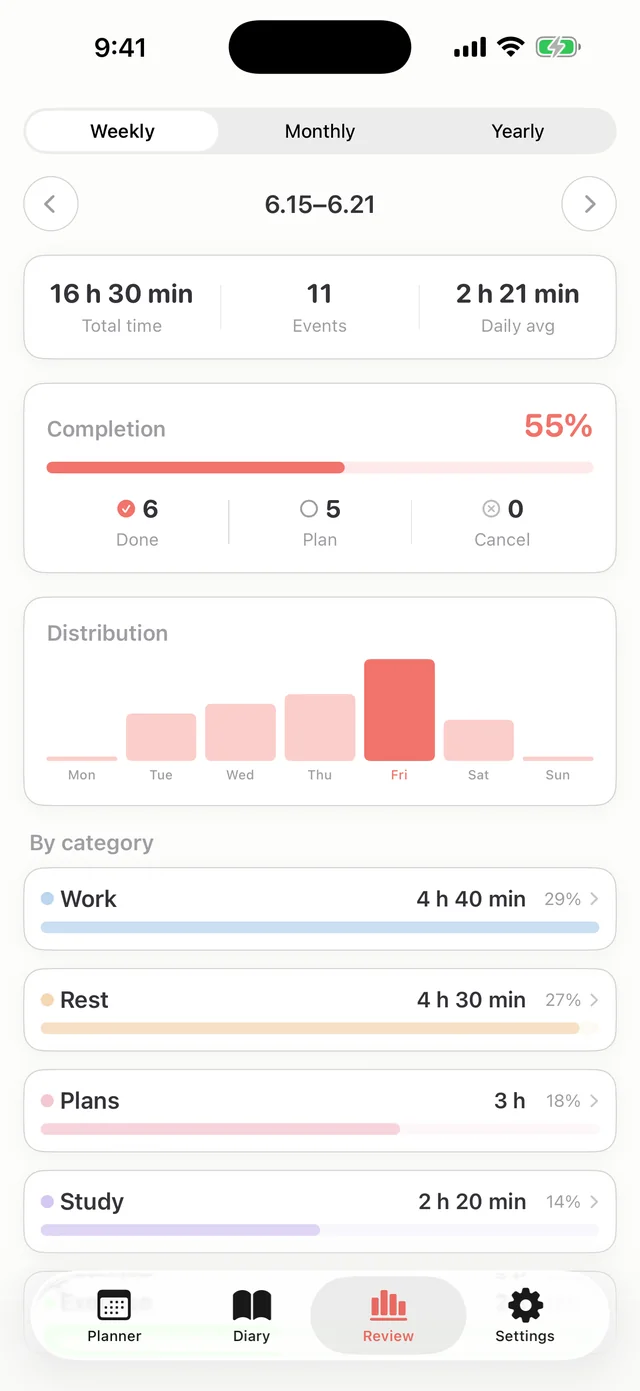
Completion rate, time distribution and category breakdown by week, month and year.
Export · Themes
Export a day or week grid as an image for GoodNotes. Seven pastel accent colors.
Timeline or compact, your choice
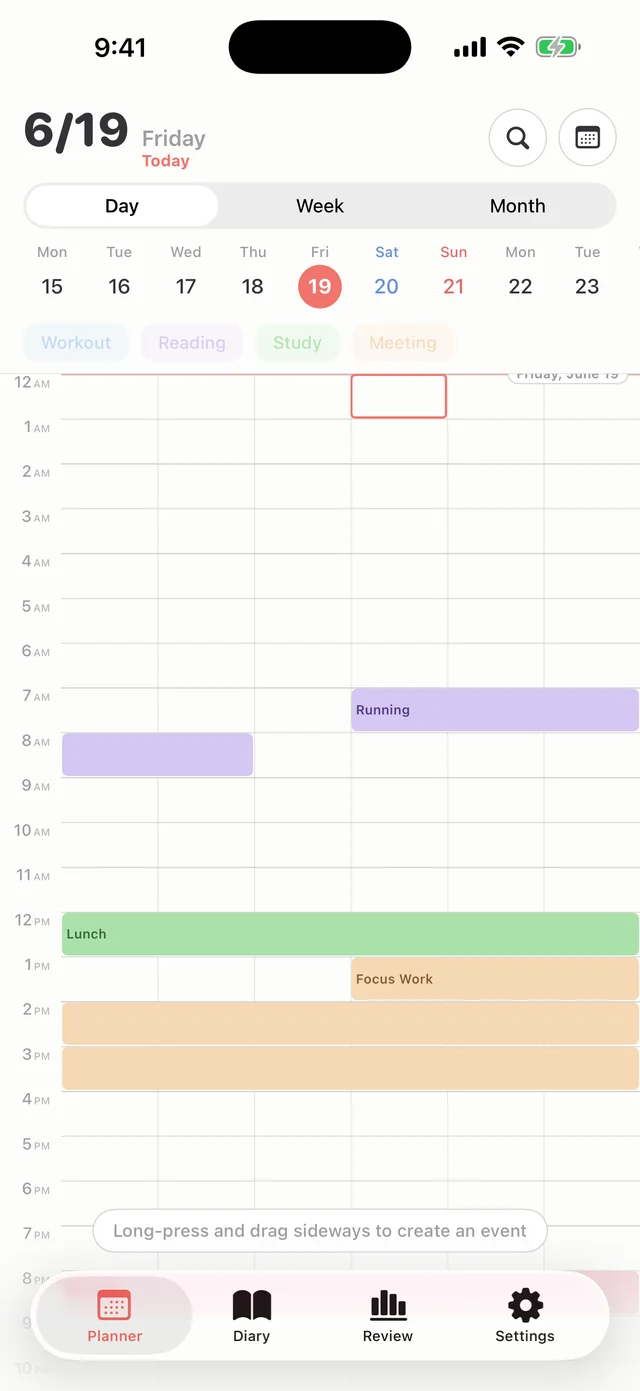
A flowing vertical timeline, or a compact grid that fits a whole day on one screen. Switch anytime in settings.
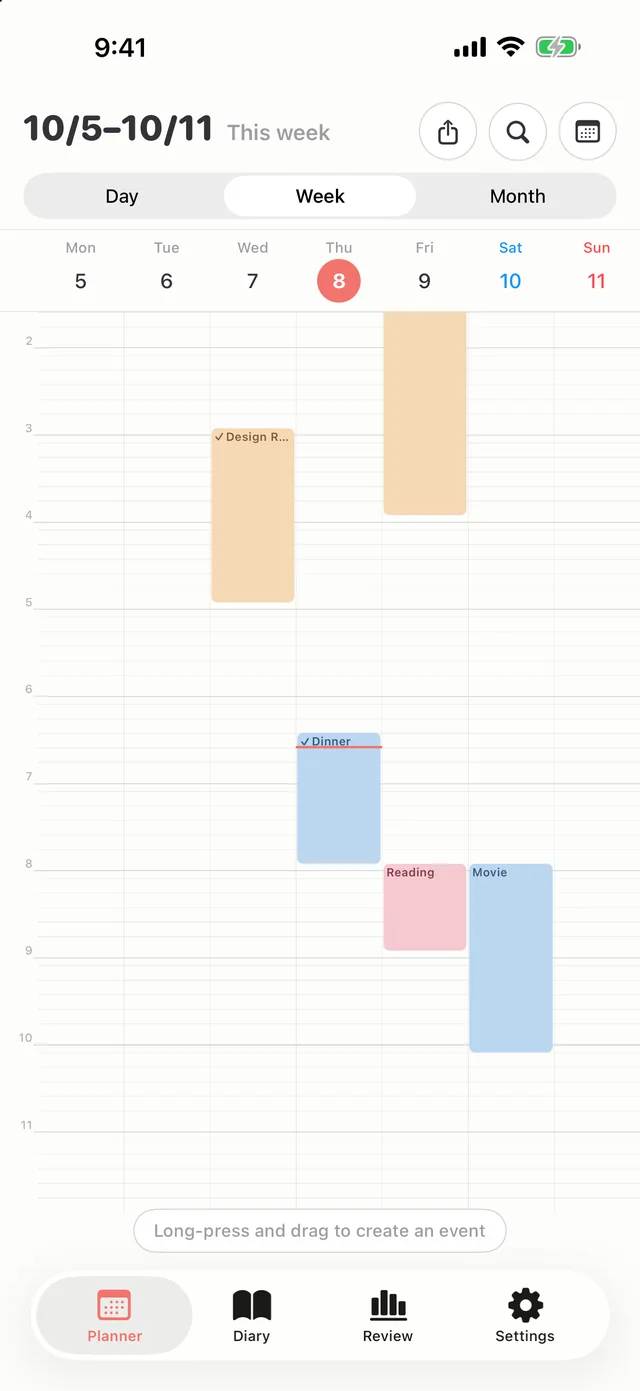
A week on one screen, two ways
Follow the flow in a vertical timeline, or see every day as an AM and a PM row in the compact grid. Drag across days to create the same block on several days at once.
On your Home Screen and Lock Screen too
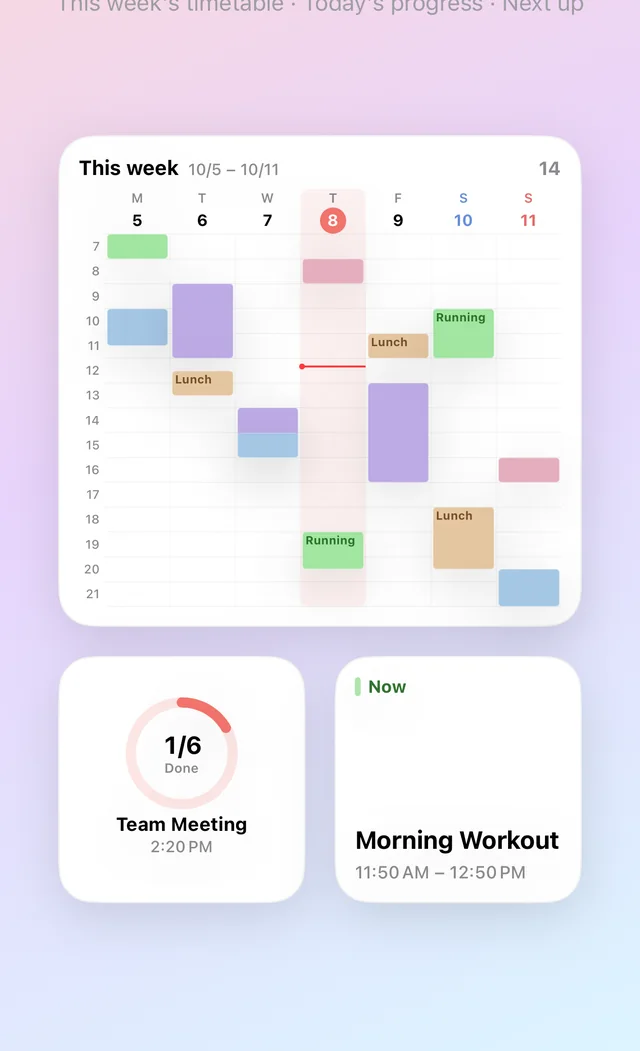
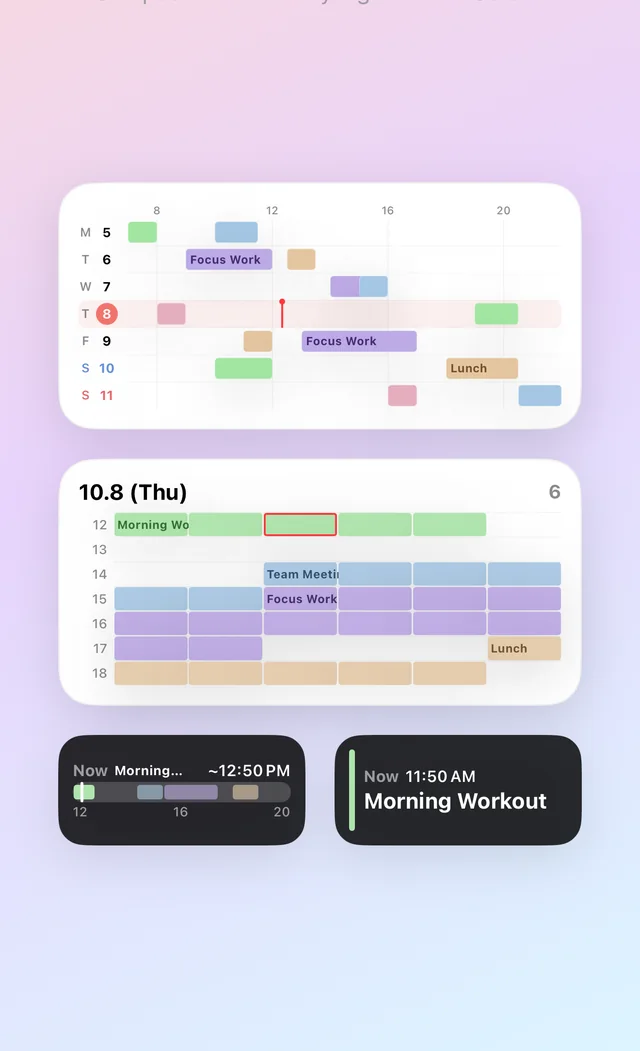
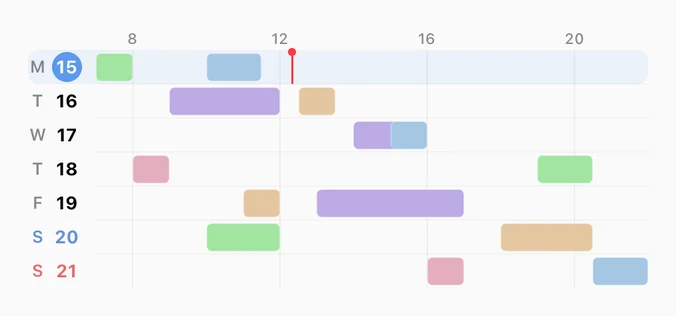
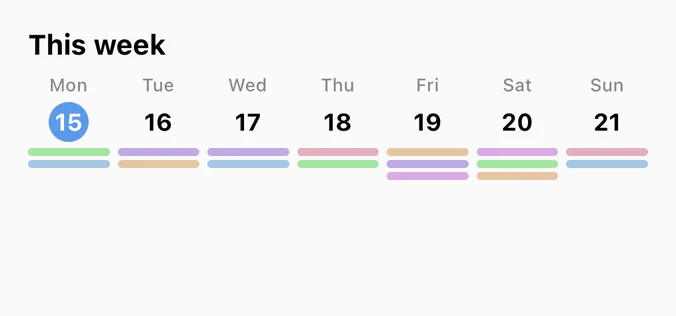
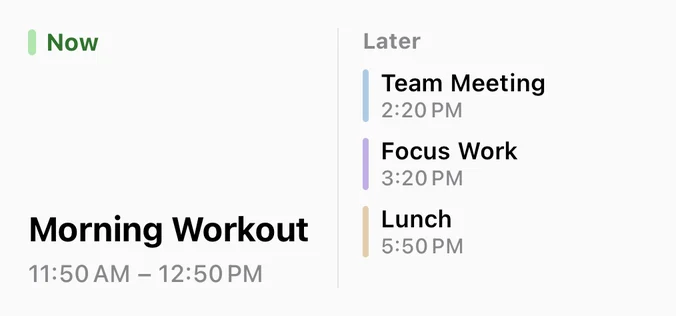
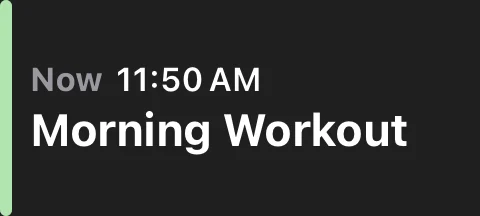
Keep this week's timetable on your Home Screen, and check today's flow and what's next from the Lock Screen. In the Today, Next up and Today's progress widgets, tap the circle to complete an event right there. Apple Watch complications run on the same data.
iPhone Timetable Widget: Home & Lock Screen Schedule Widgets →
All 9 widgets at a glance
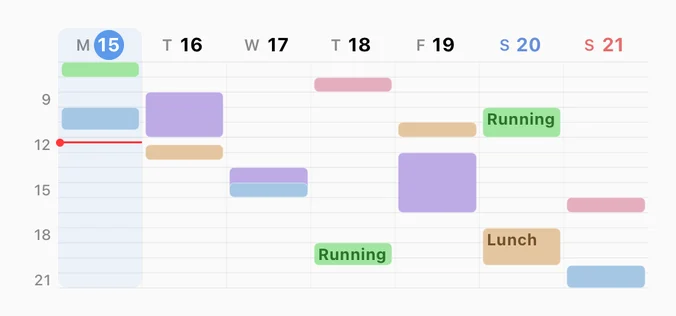
7 Home Screen widgets + 2 Lock Screen widgets, in small, medium and large, plus extra large on iPad.
 Next Event
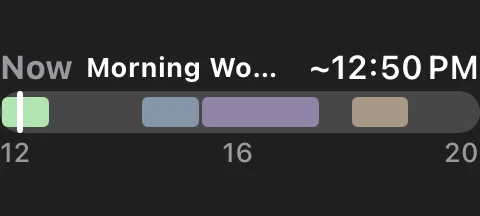 Today's Flow
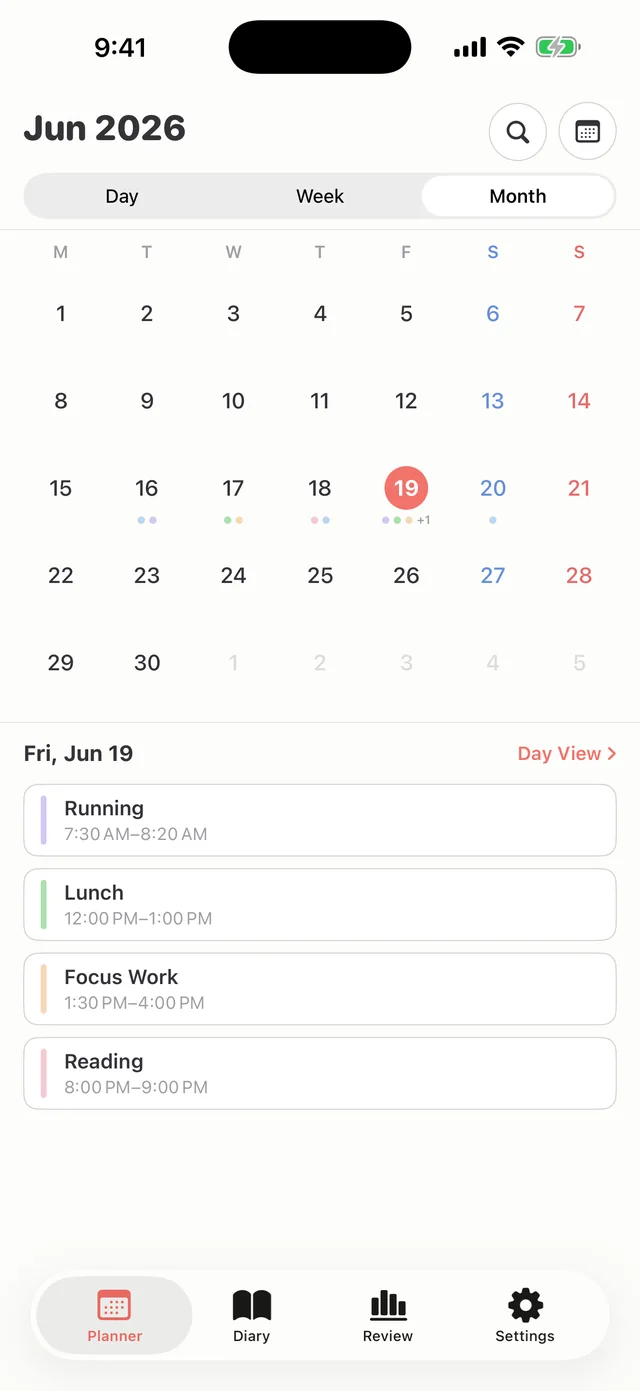
The rhythm of a month
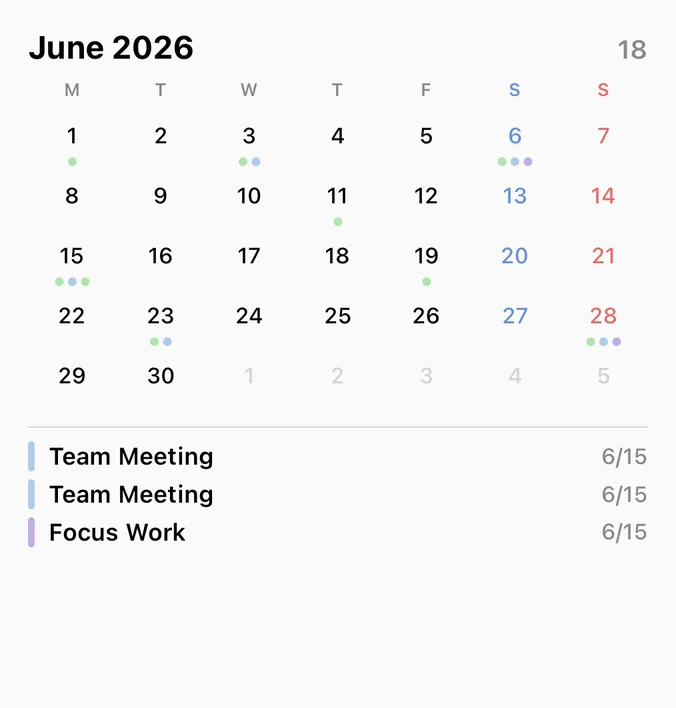
Each date shows events as color dots, with the selected day's list below. Long-press a date to add right there.
The stats of your time
Completion rate, time distribution, category share, and plan vs. actual. See how your plans were really spent.
Only this block, right now
Start a timer on an event and the time left appears in the Dynamic Island and on the Lock Screen. When it ends, the actual time is logged for you.
Every device, as one
Plan on iPhone, expand on iPad, glance on Apple Watch, continue on Mac. On iPhone Duo it fits both the outer and the inner display. Synced automatically with iCloud.
Your day is yours
Your data stays on your device and your iCloud. Nothing is sent to our servers, and nothing is collected.
Start free, unlock everything once
A one-time purchase, no subscription. Upgrade whenever you need more.
Right after install
- ✓Day view (timeline · compact grid)
- ✓Create · drag · repeat · alerts
- ✓Diary + photos
- ✓1 saved template
- ✓Occasional ad on launch
One-time · forever · not a subscription
- ✓Week · Month views · Review
- ✓9 widgets · Apple Watch
- ✓iCloud sync · automatic backup
- ✓Focus mode · unlimited templates
- ✓No ads