 Hue Plan 휴플랜
Plan your day in color
Design your day by painting time into blocks. Long-press and drag to create, move and resize — it even keeps things from overlapping. Review by week and month. No login, no ads, no tracking.
 One-time purchase · Free trial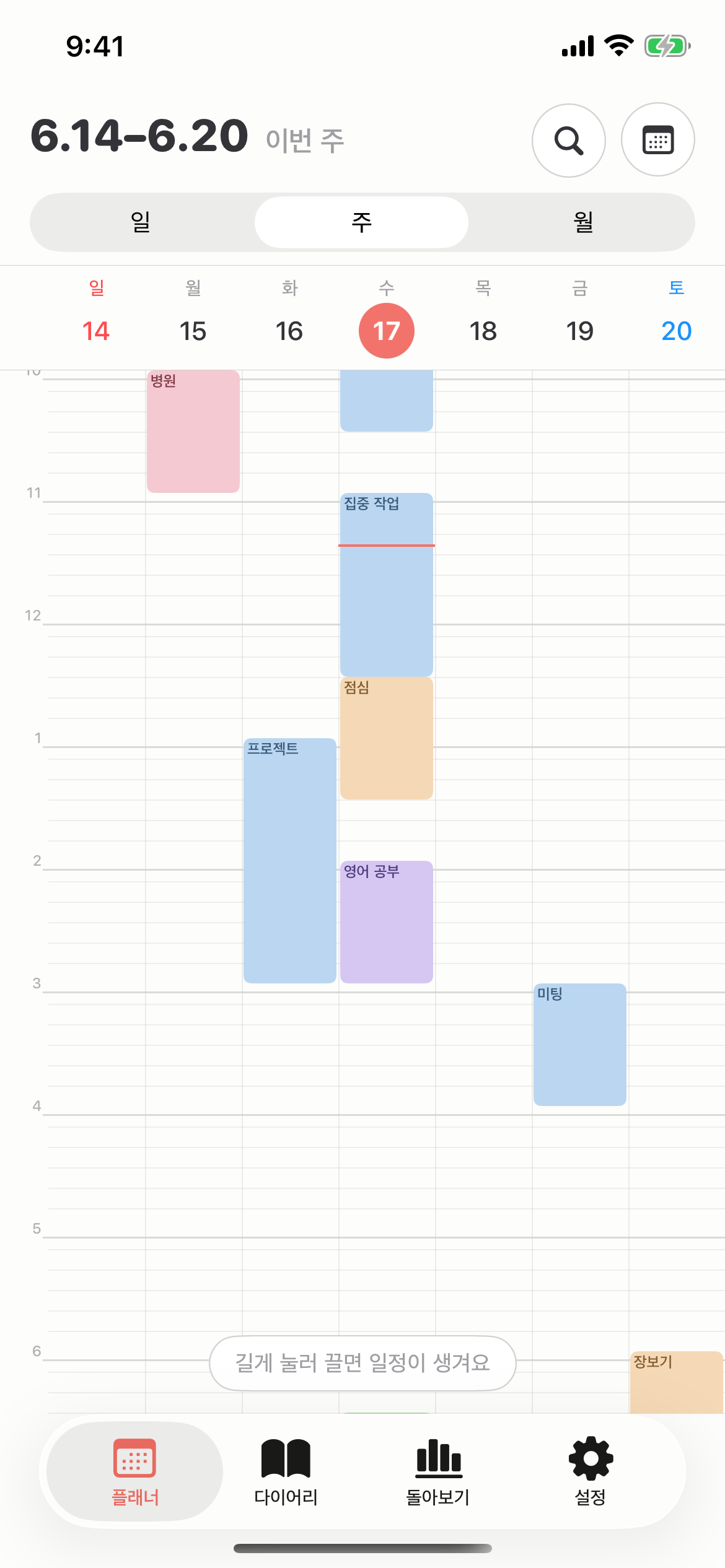
Simple, yet complete
Thoughtfully tuned for everyday use — less clutter, better flow.
Paint your time
Long-press and drag to create, move and resize events. It keeps them from overlapping, automatically.
Day · Week · Month
Timeline and compact grid, plus weekly and monthly views. A day to a month, all in hand.
Diary
Leave a note for the day right beside your plan. Plan and reflect in one place.
Review
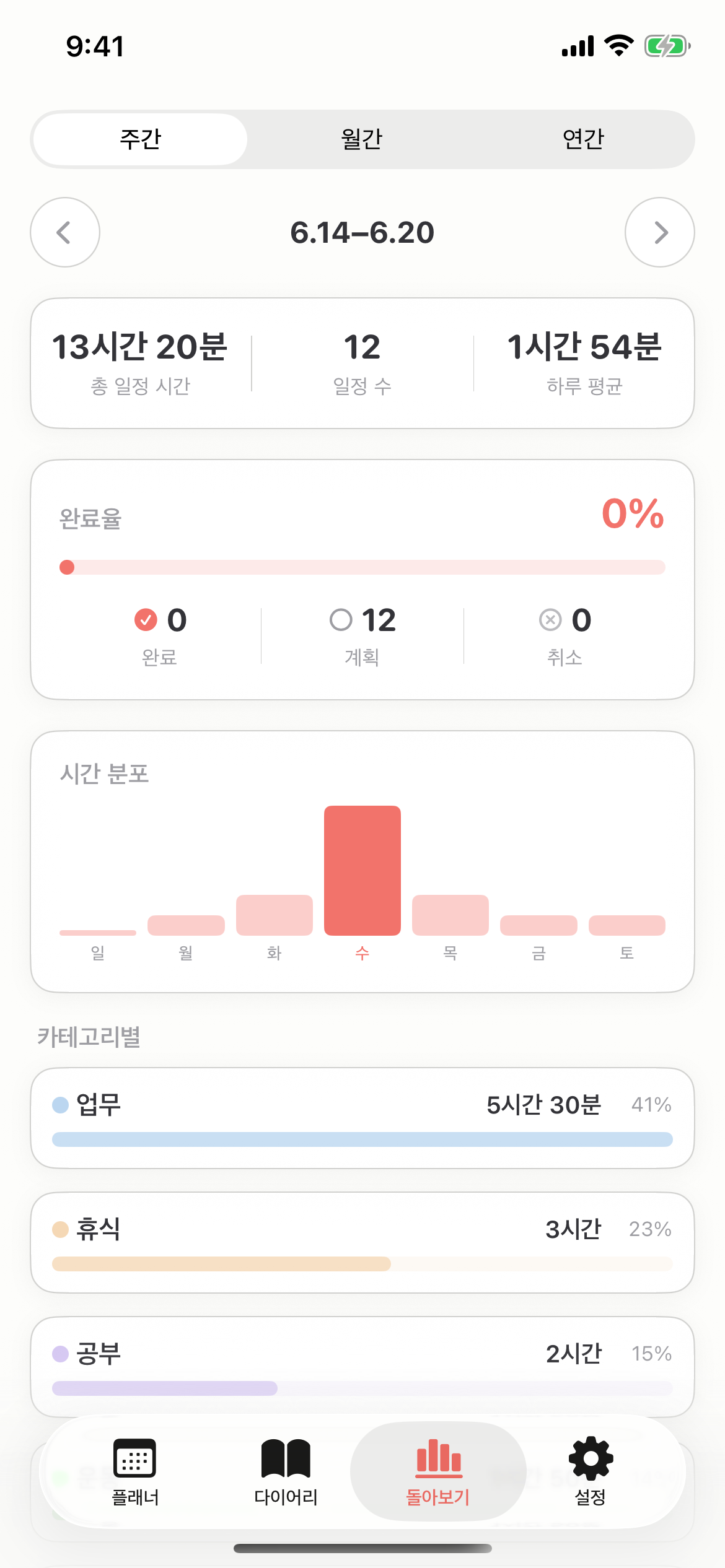
Completion rate, time distribution, and category breakdown — by week, month and year.
Accent themes
Seven pastel accent colors to make the whole app your own.
Home widgets
Today at a glance on your home screen — list and grid styles.
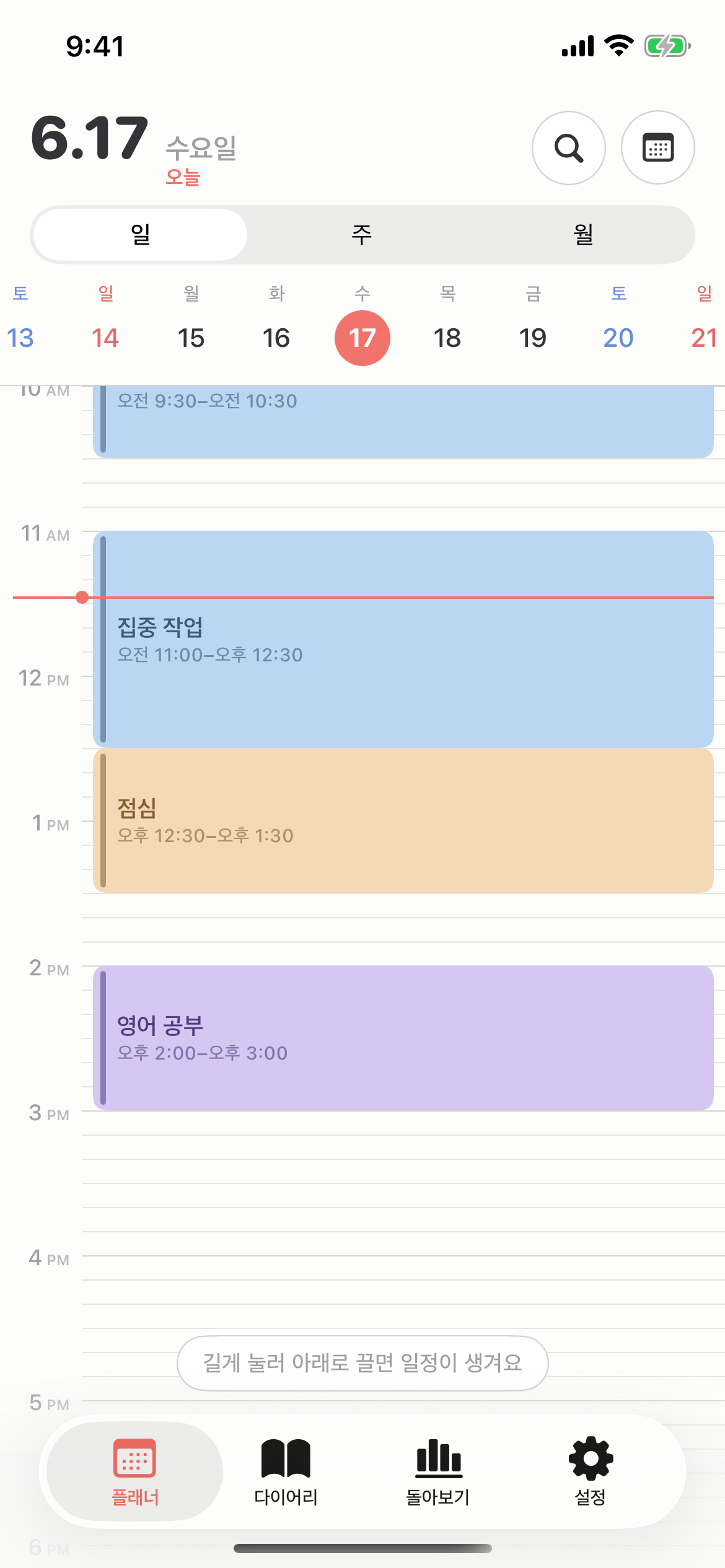
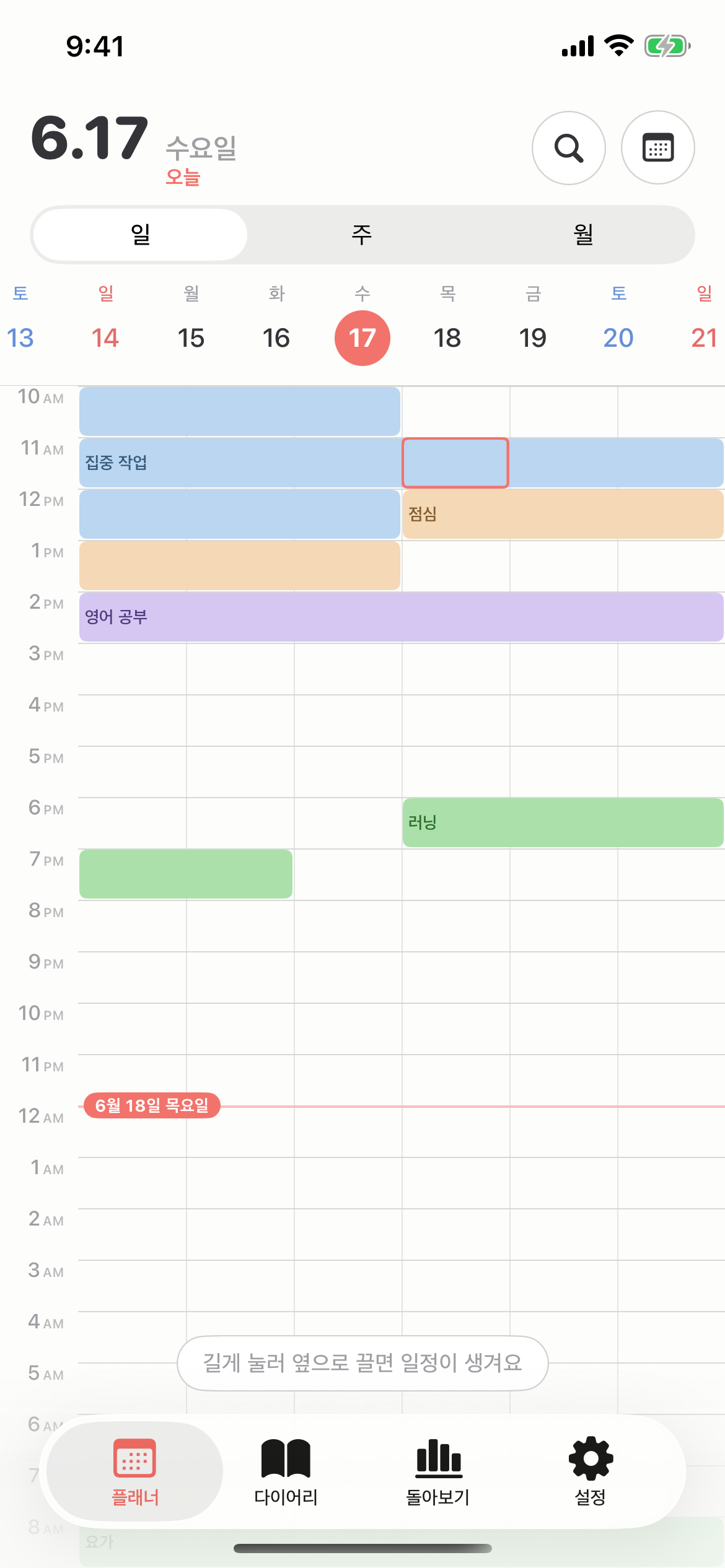
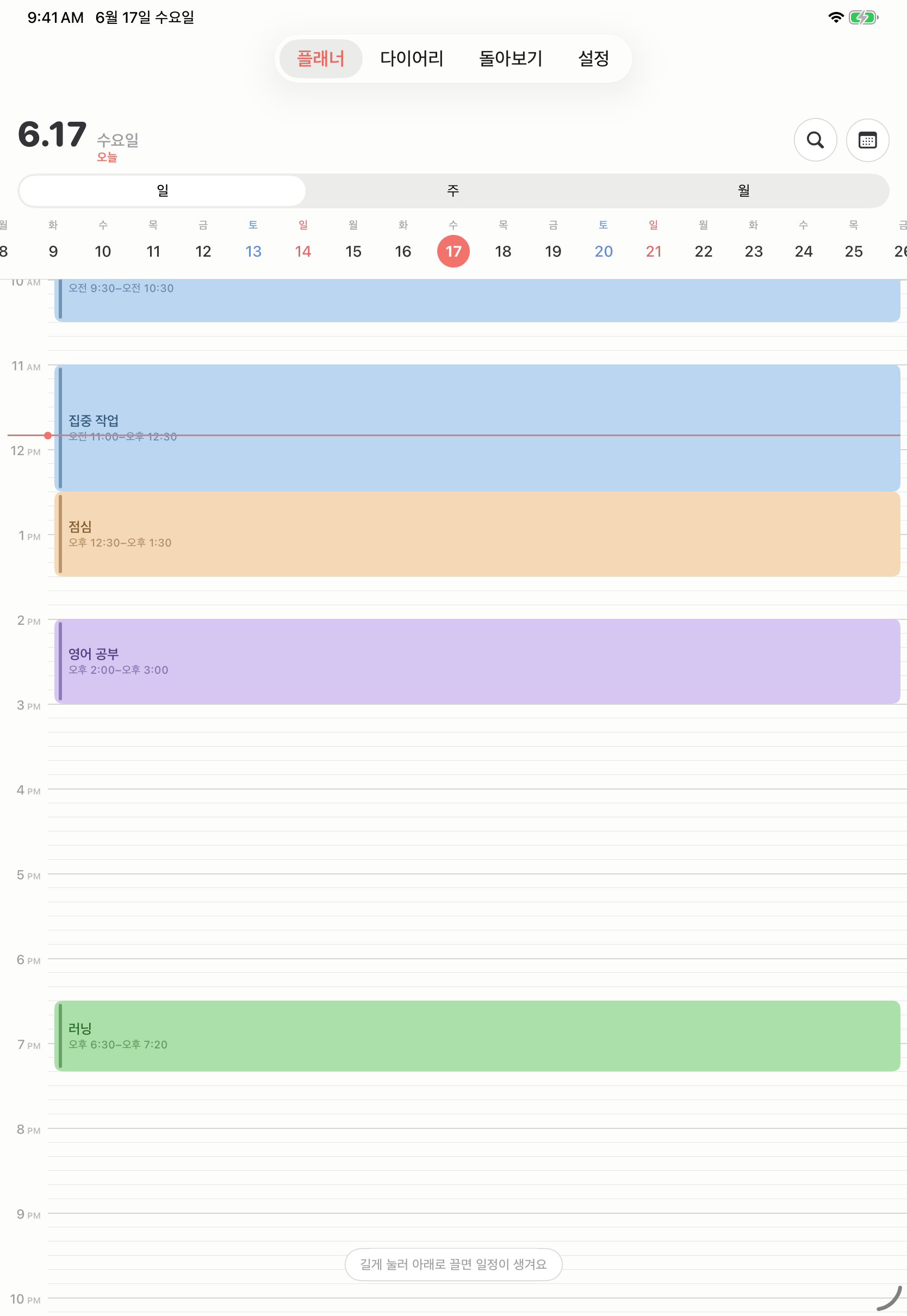
Timeline or compact — your choice
A flowing vertical timeline, or a compact grid that fits a whole day on one screen. Switch anytime in settings.
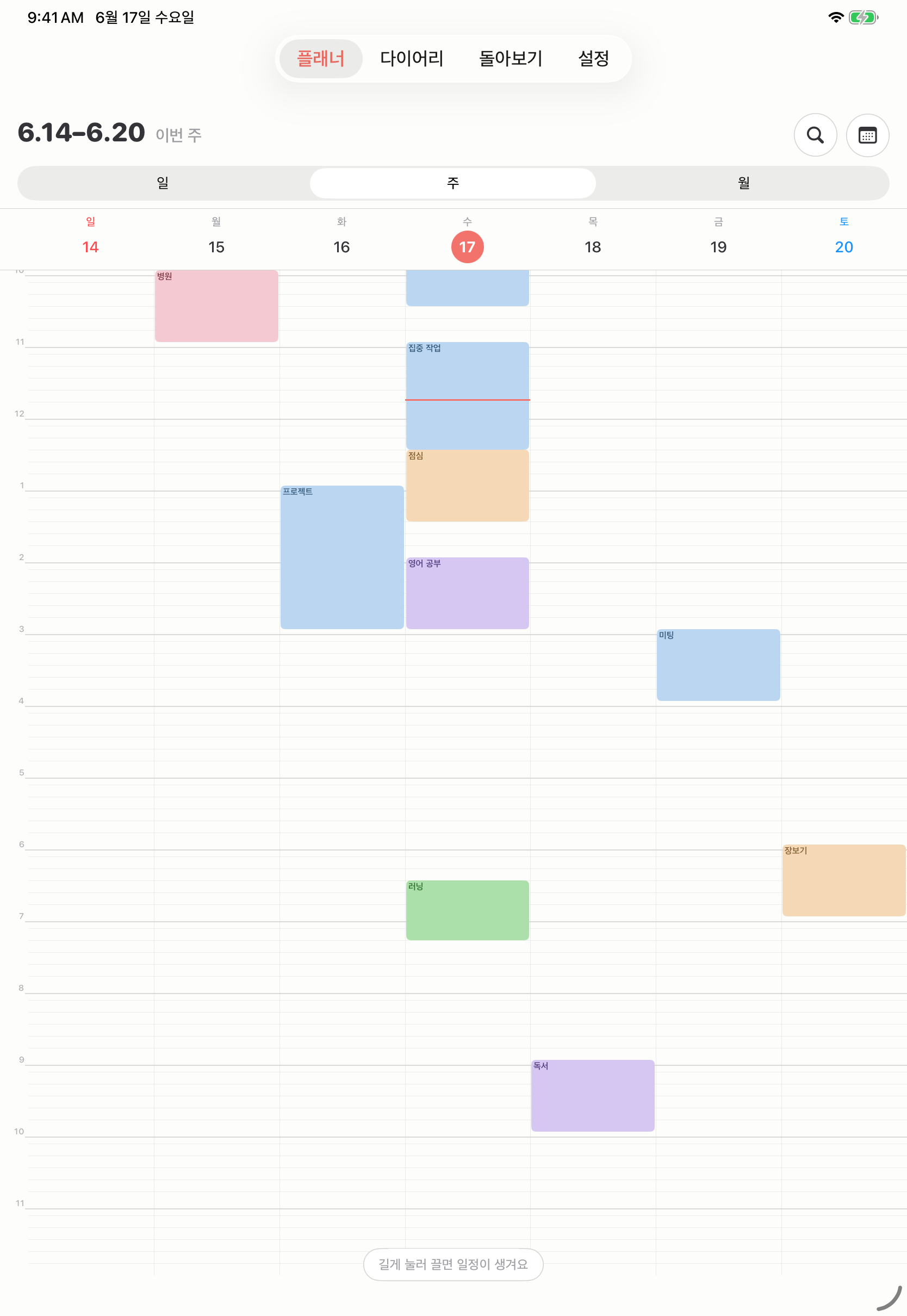
A week at a glance
Color blocks line up by day, so the week's density is instantly clear. Free time and busy days, all at once.
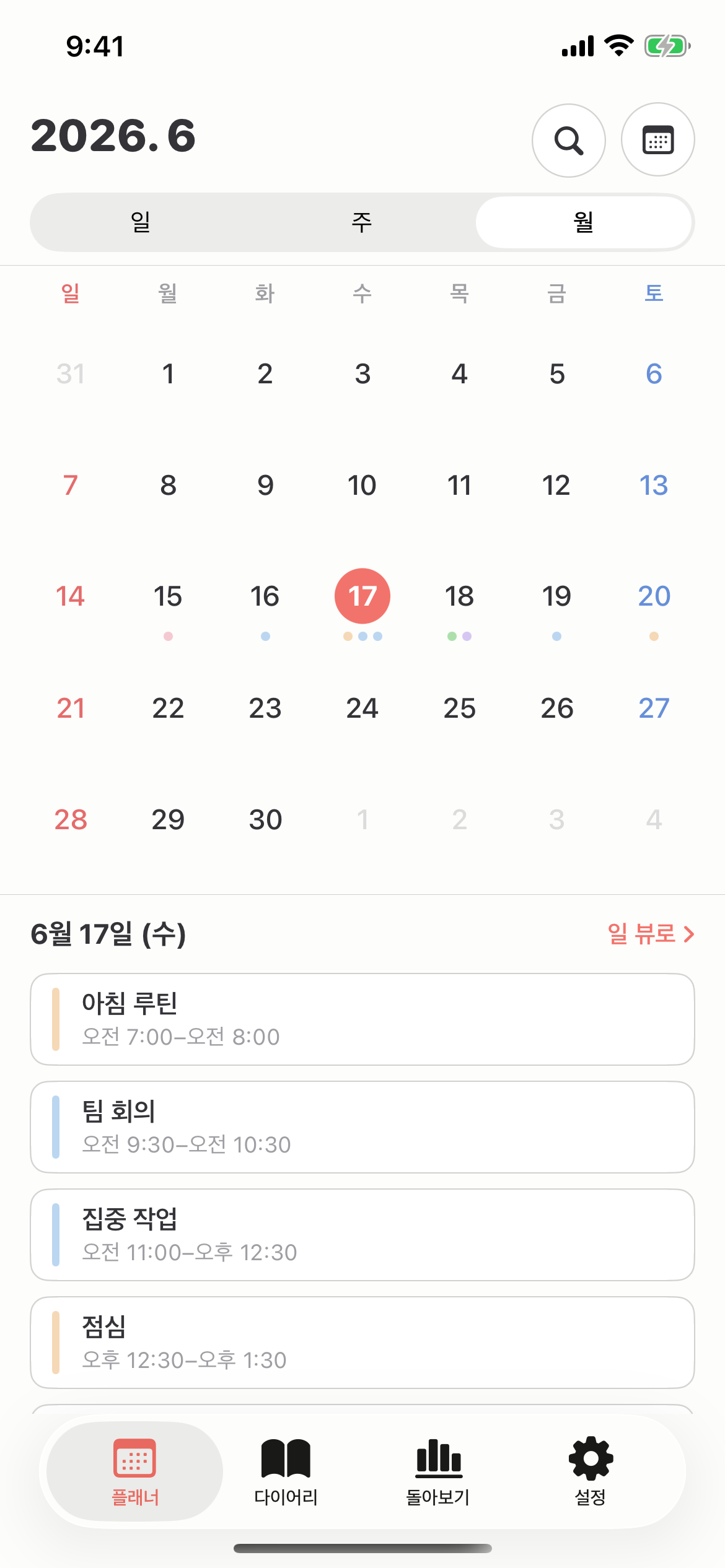
The rhythm of a month
Each date shows events as color dots, with the selected day's list below. The big picture and the detail together.
The stats of your time
Completion rate, time distribution and category share — see how your plans were actually spent.
Every device, as one
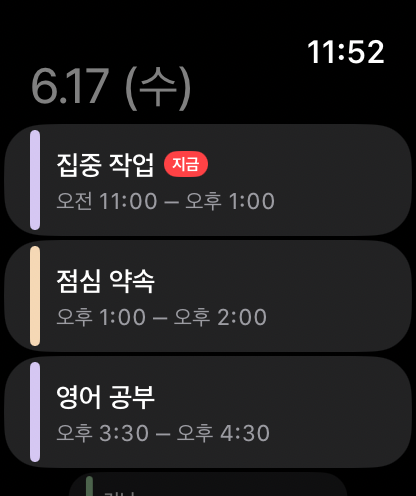
Plan on iPhone, expand on iPad, glance on Apple Watch, continue on Mac. Synced automatically with iCloud.
Your day is yours
Your data stays on your device and your iCloud. Nothing is sent to our servers, and nothing is collected.
Frequently asked questions
Is it a subscription? +
Where is my data stored? +
Which devices are supported? +
What gets synced? +
Does it work offline? +
Pay once, use forever
A one-time purchase, no subscription. Simple and clean.
Price will be shown at App Store launch
- All features, forever
- Day · Week · Month · Diary · Stats
- iCloud sync · Home widgets
- No ads · No tracking